
Customers pay late because paying is a hassle
Collect Payments in One Click
Customers pay late when paying is a hassle. Send a branded invoice with a secure pay link, let them choose card or ACH, and decide who covers the processing fee.
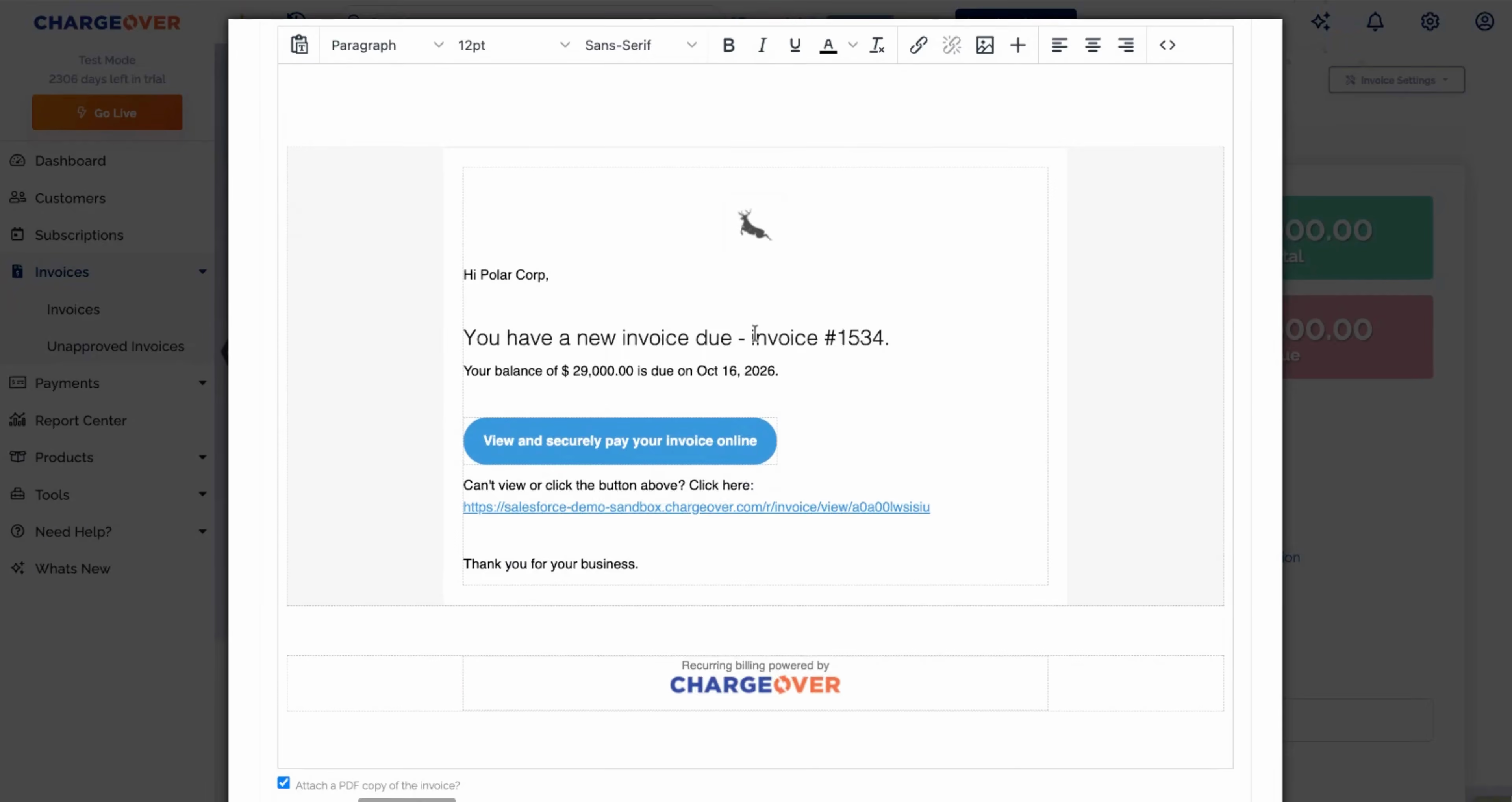
Click through the demo
What's covered in this demo
This walkthrough follows a single invoice from the moment it is sent to the moment it is paid, including what your customer sees along the way. Here is what you will see, step by step.
- Email the invoice from ChargeOver. It goes out with your branding and a secure pay link, and the send is logged on the invoice so anyone on your team can see when it went out.
- Or copy a direct pay link. Prefer your own email or a text? Grab the link and send it however you like.
- Switch to the customer's view. They open the invoice, choose card or ACH, and land on a hosted payment page, so card data never touches your systems.
- Pass the card fee if you choose. Here a 3% processing fee is added and disclosed before the customer pays. After paying, they can opt in to text reminders for future invoices.
- Watch everything update on its own. The invoice, the payment record, and the receipt email update automatically, and back in ChargeOver the subscription shows MRR, ARR, and lifetime value.
Getting paid stops being a chase. The customer gets one click, your team gets a paid invoice with no manual reconciliation, and the customer record stays in sync with Salesforce.
Features in this demo
Secondary payment methods, Processing fees
Integrations shown
Transcript
Related demos

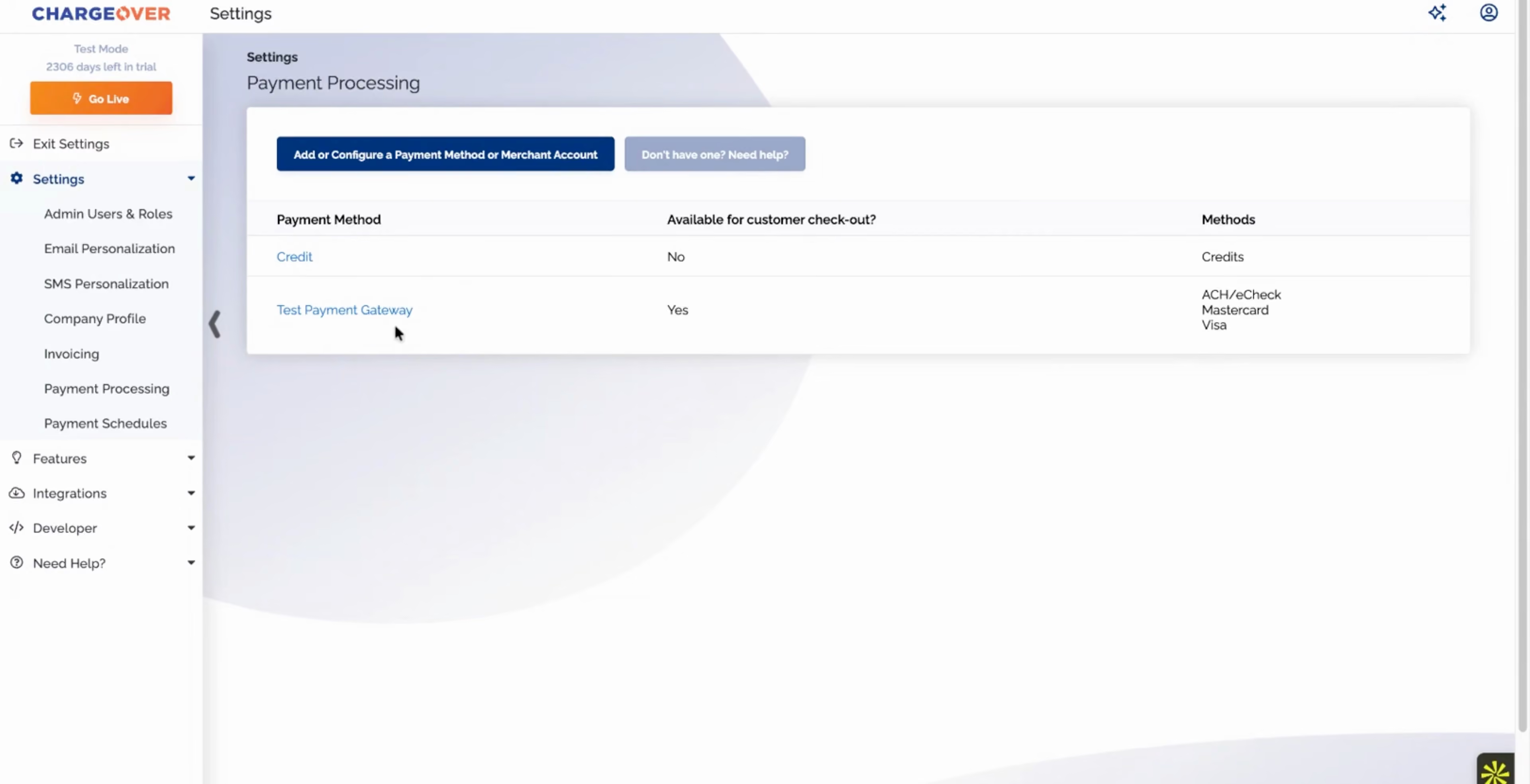

Unlock Business Growth with Recurring Billing
Discover how ChargeOver’s automated recurring billing helps you streamline payments, reduce manual tasks, and boost cash flow. Let us take the complexity out of billing so you can focus on scaling your business.