
What was our MRR in March, and why did it change?
View the Reports Your Accountant Asks For
What's overdue, what's earned, what's deferred, and why MRR moved. Dozens of built-in reports you can save, filter, and schedule by email.
Click through the demo
What's covered in this demo
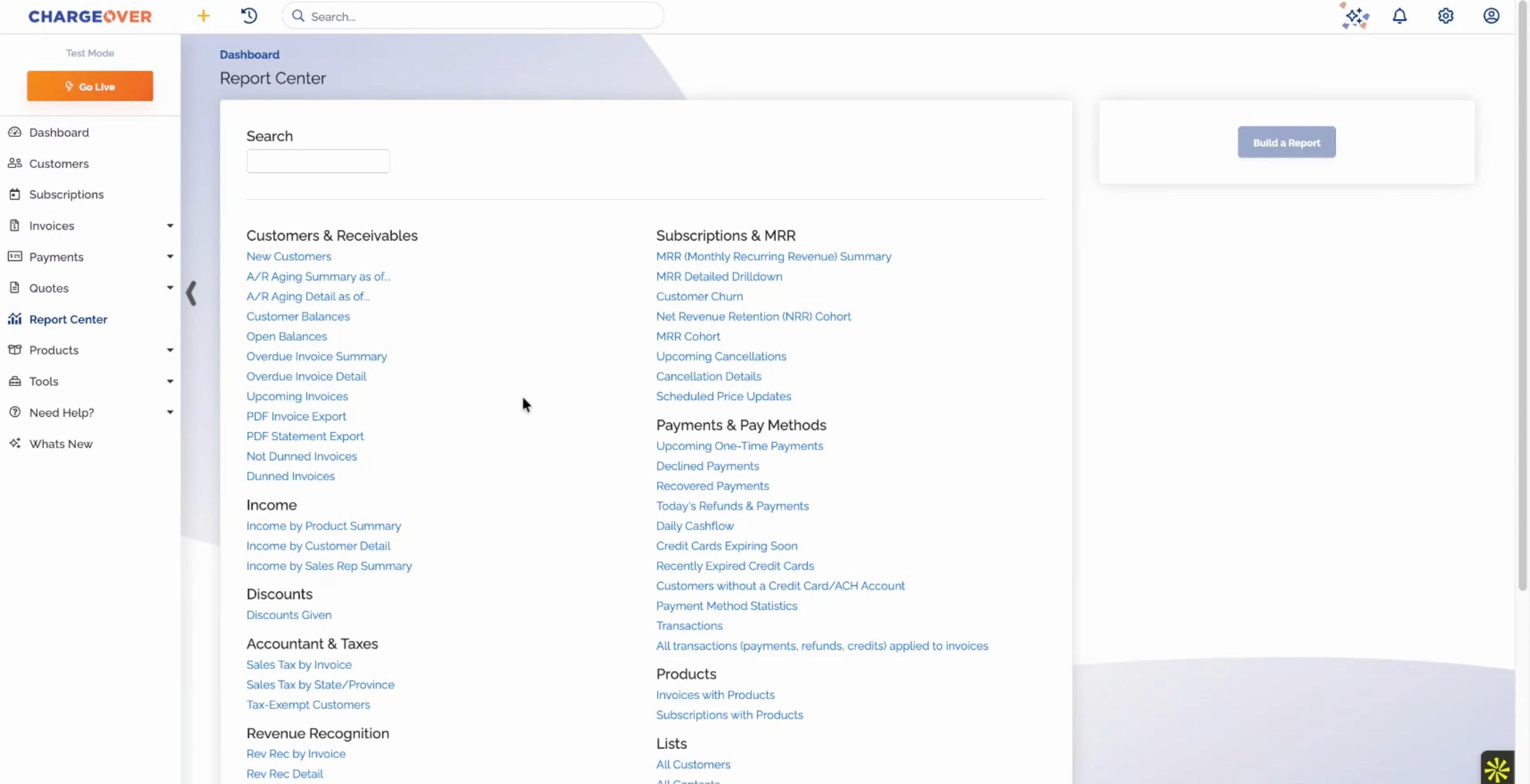
This walkthrough tours the Report Center, from aging and income to revenue recognition and MRR movement. Here is what you will see, step by step.
- Browse the built-in reports. Dozens of reports are grouped by what you need to know, with no setup required.
- Run A/R aging. See who owes what, and for how long.
- Save and schedule any report. Keep your filters and have the report emailed to you or your accountant on a schedule.
- Check income and revenue recognition. Income by product shows invoiced versus collected, and revenue recognition shows what is earned and what is still deferred, invoice by invoice.
- Follow MRR movement. MRR by month is split into new, expansion, contraction, and churn, and you can drill down to the customers behind each number, including scheduled price increases and what they add.
The reports your accountant and your board ask for are already built, already filtered, and already on their way, straight out of your billing platform.
Features in this demo
Reporting
Integrations shown
No items found.
Transcript
Related demos


Unlock Business Growth with Recurring Billing
Discover how ChargeOver’s automated recurring billing helps you streamline payments, reduce manual tasks, and boost cash flow. Let us take the complexity out of billing so you can focus on scaling your business.