
Schedule Price Increases
Most companies raise prices less often than they should because it's a project. Set an increase once, by percent or fixed amount, and let it run on the date you choose.

Click through the demo
What's covered in this demo
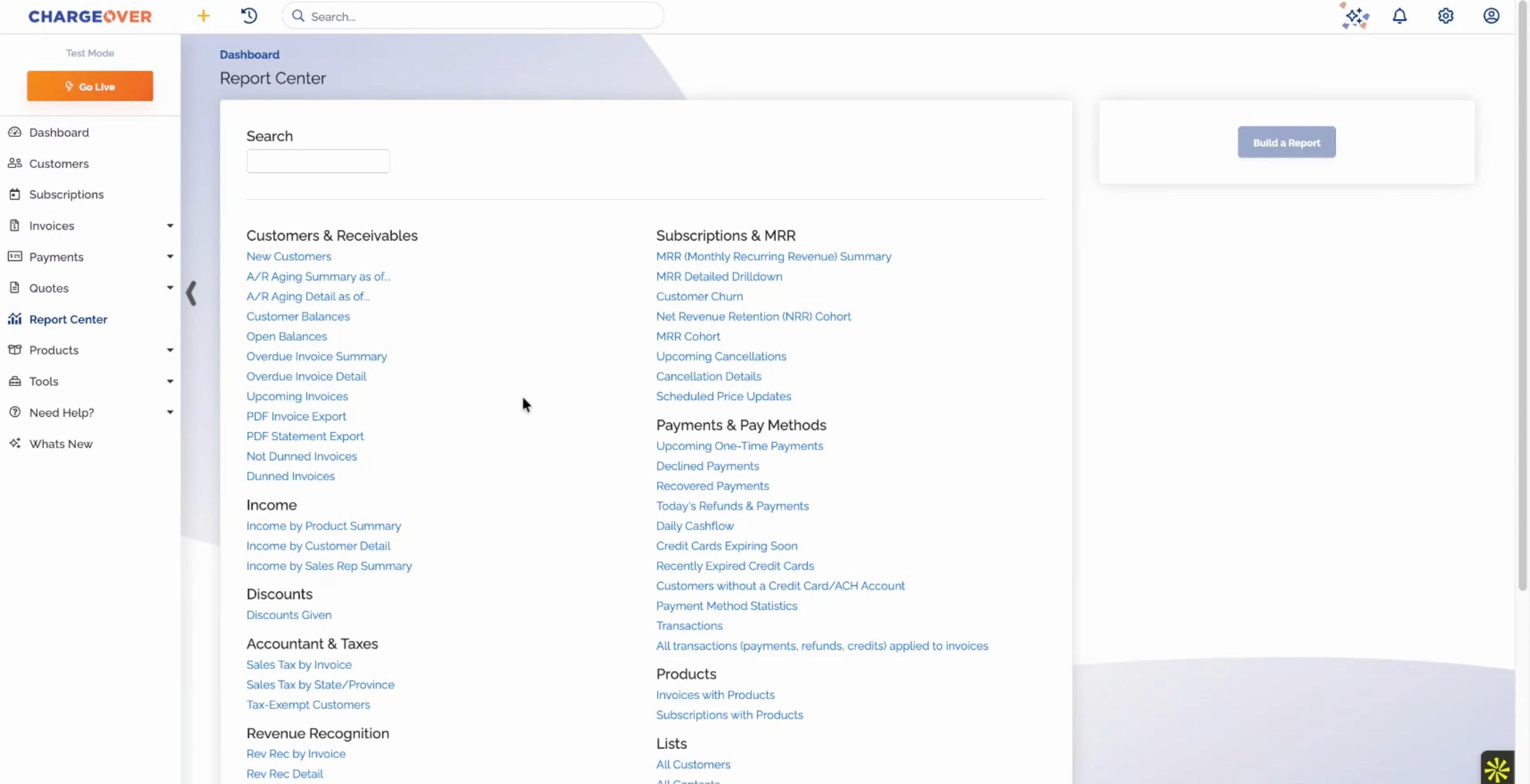
This walkthrough schedules price increases at the product level and at the subscription level, so they apply automatically when the time comes. Here is what you will see, step by step.
- Open the product's pricing settings. Scheduled increases live on the product itself.
- Schedule a change after a set number of billing cycles. Raise the price by a percent or a fixed amount once the subscription has run for the cycles you choose.
- Or make it recurring. Set something like 5% every year, and new subscriptions on the product pick it up automatically.
- Set increases subscription by subscription. For specific customers, schedule an increase that starts on a specific date.
- Let it apply on the date. Scheduled now, applied automatically later. Nobody has to remember in January.
Price increases become policy instead of a project, and next year's pricing is already in the system today.
Features in this demo
Scheduled price updates
Integrations shown
No items found.
Transcript
Related demos

Unlock Business Growth with Recurring Billing
Discover how ChargeOver’s automated recurring billing helps you streamline payments, reduce manual tasks, and boost cash flow. Let us take the complexity out of billing so you can focus on scaling your business.