
Review Invoices Before They Send
Automation is great until a wrong invoice reaches your biggest customer. See how new invoices can land as drafts, get a human look, and be edited before they go out.

Click through the demo
What's covered in this demo
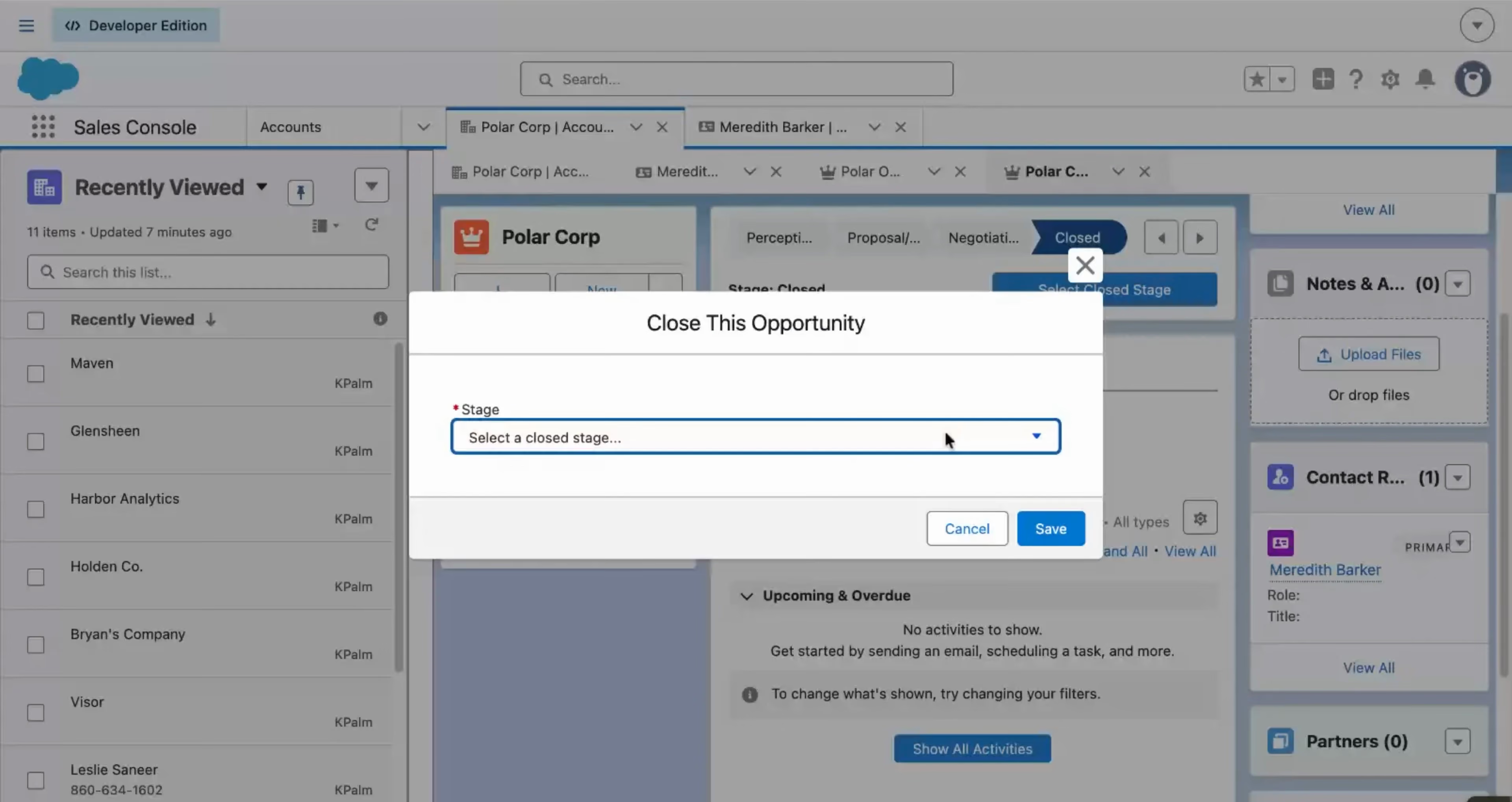
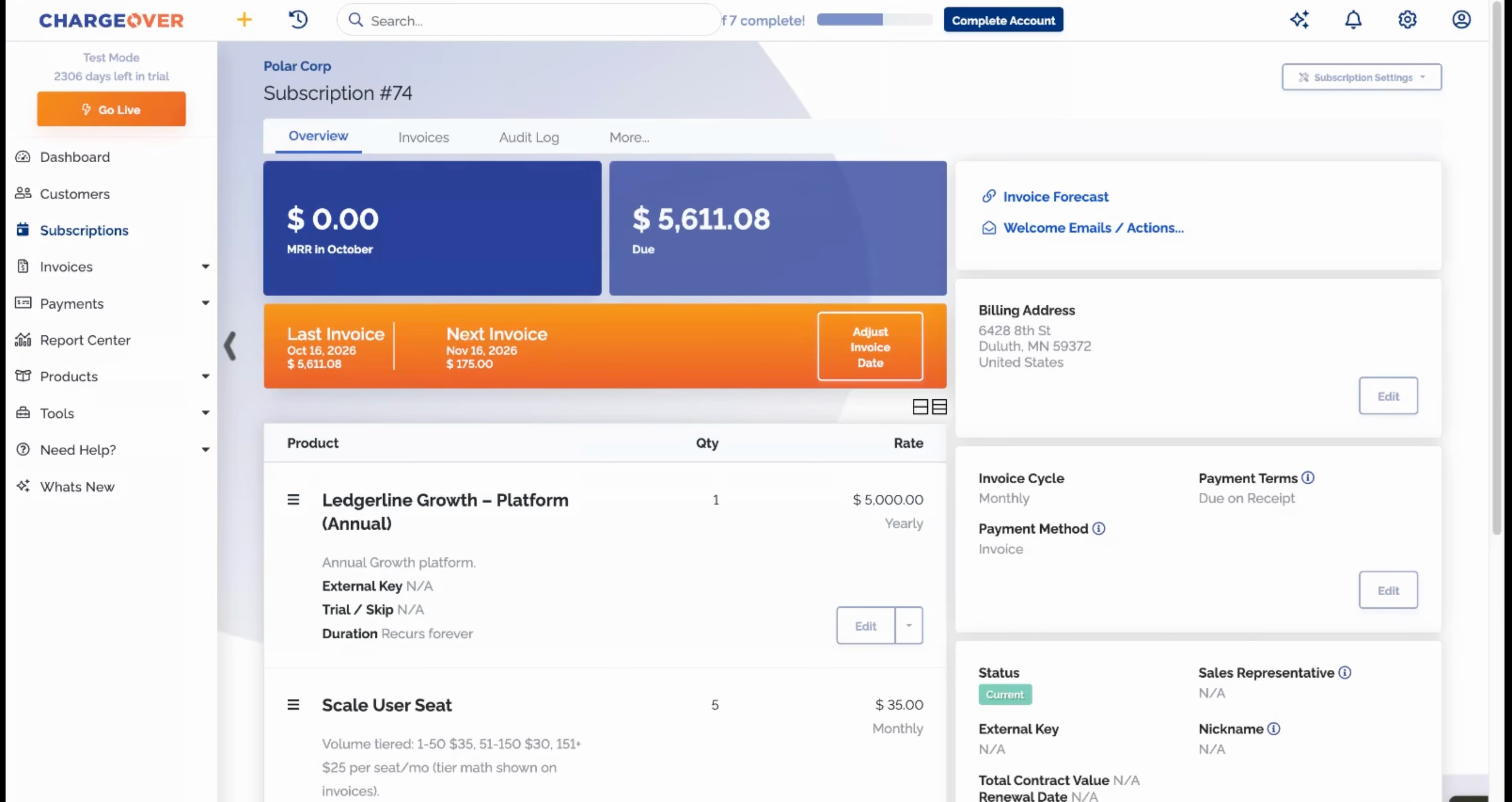
This walkthrough picks up right after a subscription is created and its first invoice is generated. Instead of going straight out, the invoice waits for a quick review. Here is what you will see, step by step.
- Land new invoices as drafts. Set invoices to be created in an Unapproved state so someone on your team checks them before they go out.
- Open the invoice for review. The draft shows the customer, line items, and totals exactly as the customer would see them.
- Edit the line. Negotiated a different number? Change the line item before the customer ever sees it. Here the amount is updated to $29,000.
- Approve and send. Once it looks right, approve the invoice and it goes out to the customer with the corrected total.
You keep the speed of automated invoicing without giving up control. The invoices that matter get a human look, the rest go out on their own, and nothing reaches a customer with the wrong number on it.
Features in this demo
One-time invoices, Subscriptions
Integrations shown
Transcript
Related demos
Unlock Business Growth with Recurring Billing
Discover how ChargeOver’s automated recurring billing helps you streamline payments, reduce manual tasks, and boost cash flow. Let us take the complexity out of billing so you can focus on scaling your business.