
ChargeOver Product Showcase
Take a tour of the features and use-cases that are most commonly used within the platform (plus a few that are just really cool). Watch the full walkthrough here, or pick a showcase below to go deeper on one.
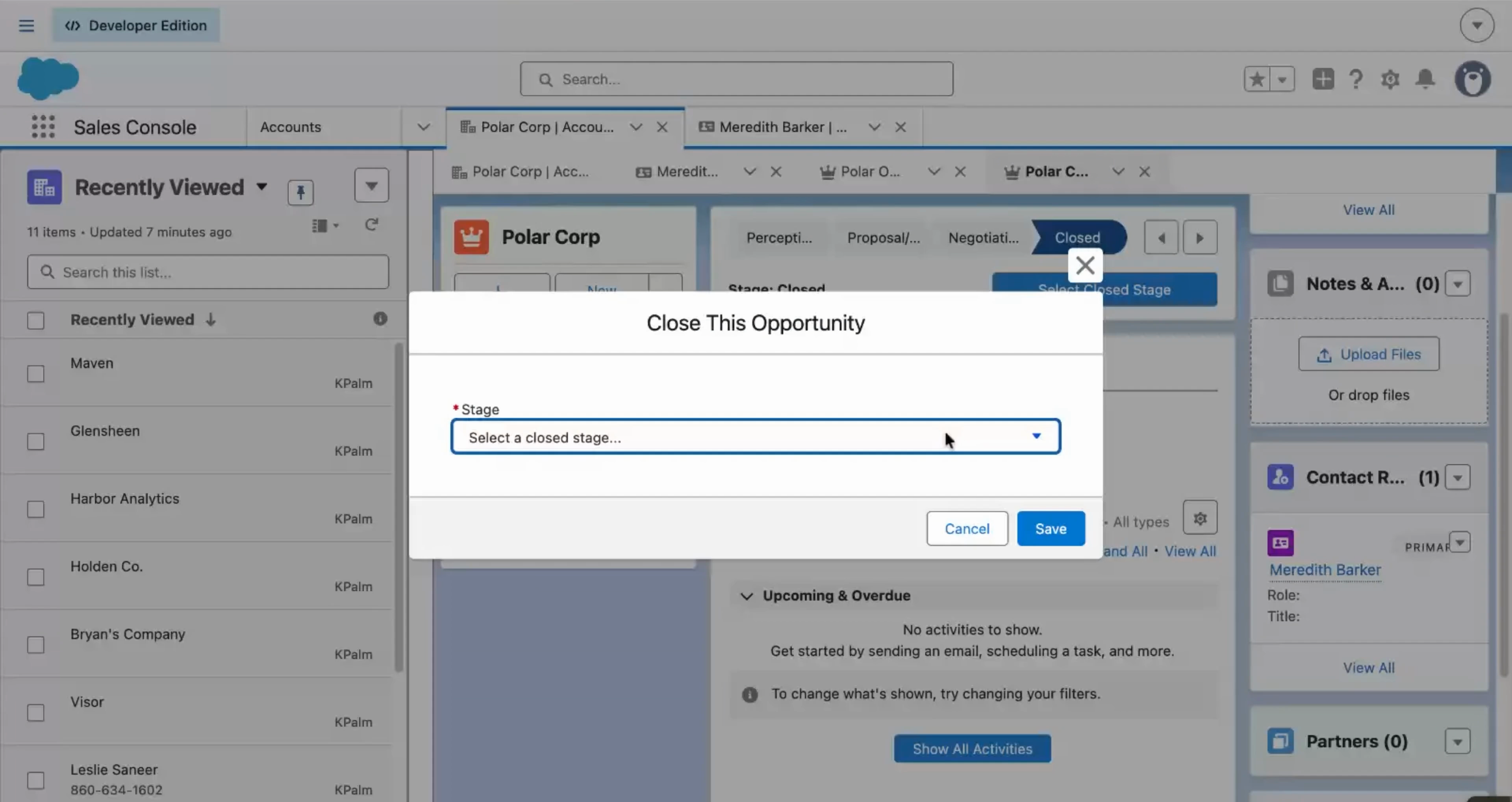
Kick-off a Subscription from Salesforce
Close a deal in Salesforce and watch ChargeOver create the customer, subscription, and first invoice on its own. No re-keying, and the invoice waits for approval before it sends.
Try it Out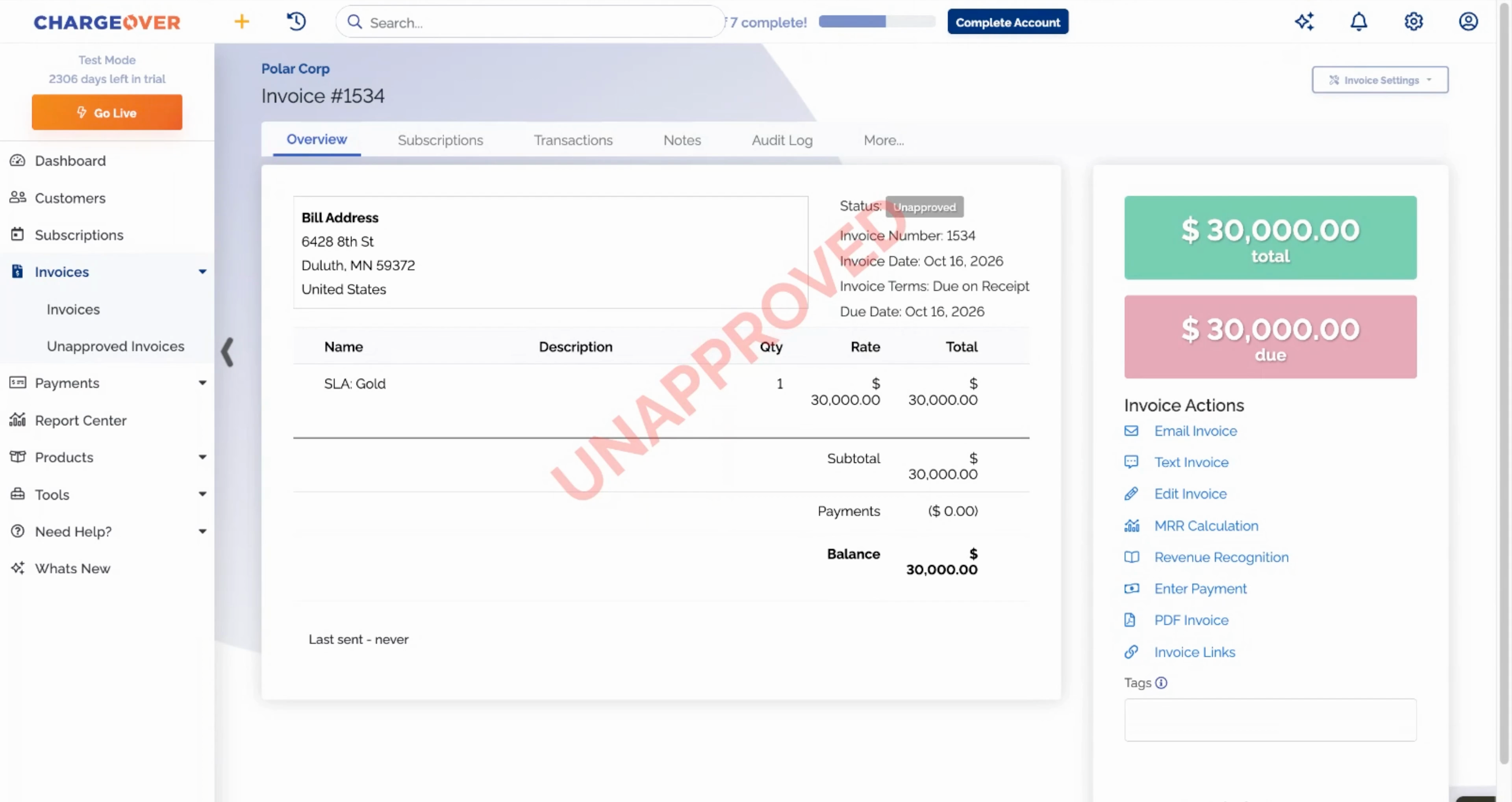
Review Invoices Before They Send
Automation is great until a wrong invoice reaches your biggest customer. See how new invoices can land as drafts, get a human look, and be edited before anyone sees them.
Try it Out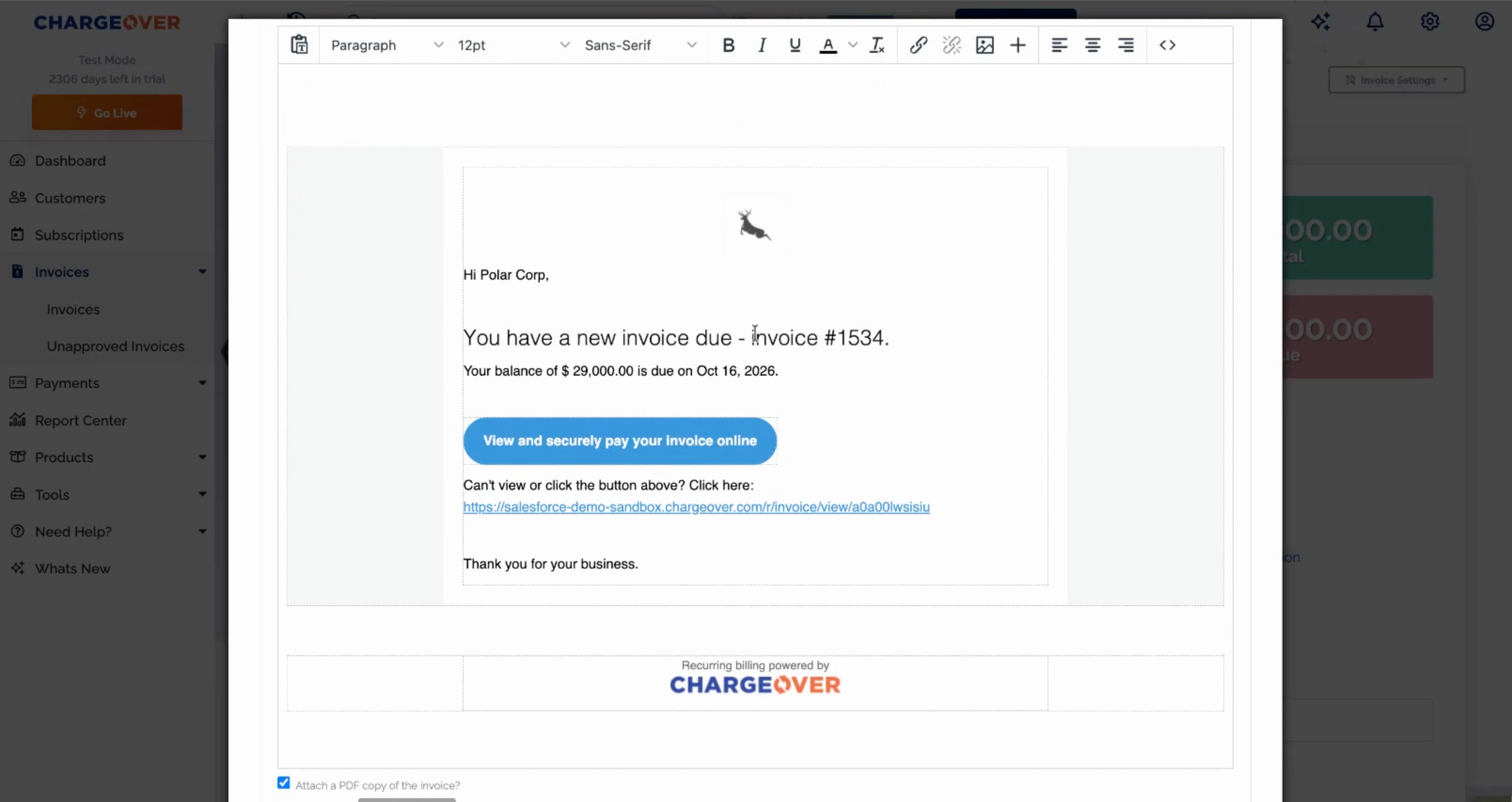
Collect Payments in One Click
Customers pay late when paying is a hassle. Send a branded invoice with a secure pay link, let them choose card or ACH, and decide who covers the processing fee.
Try it Out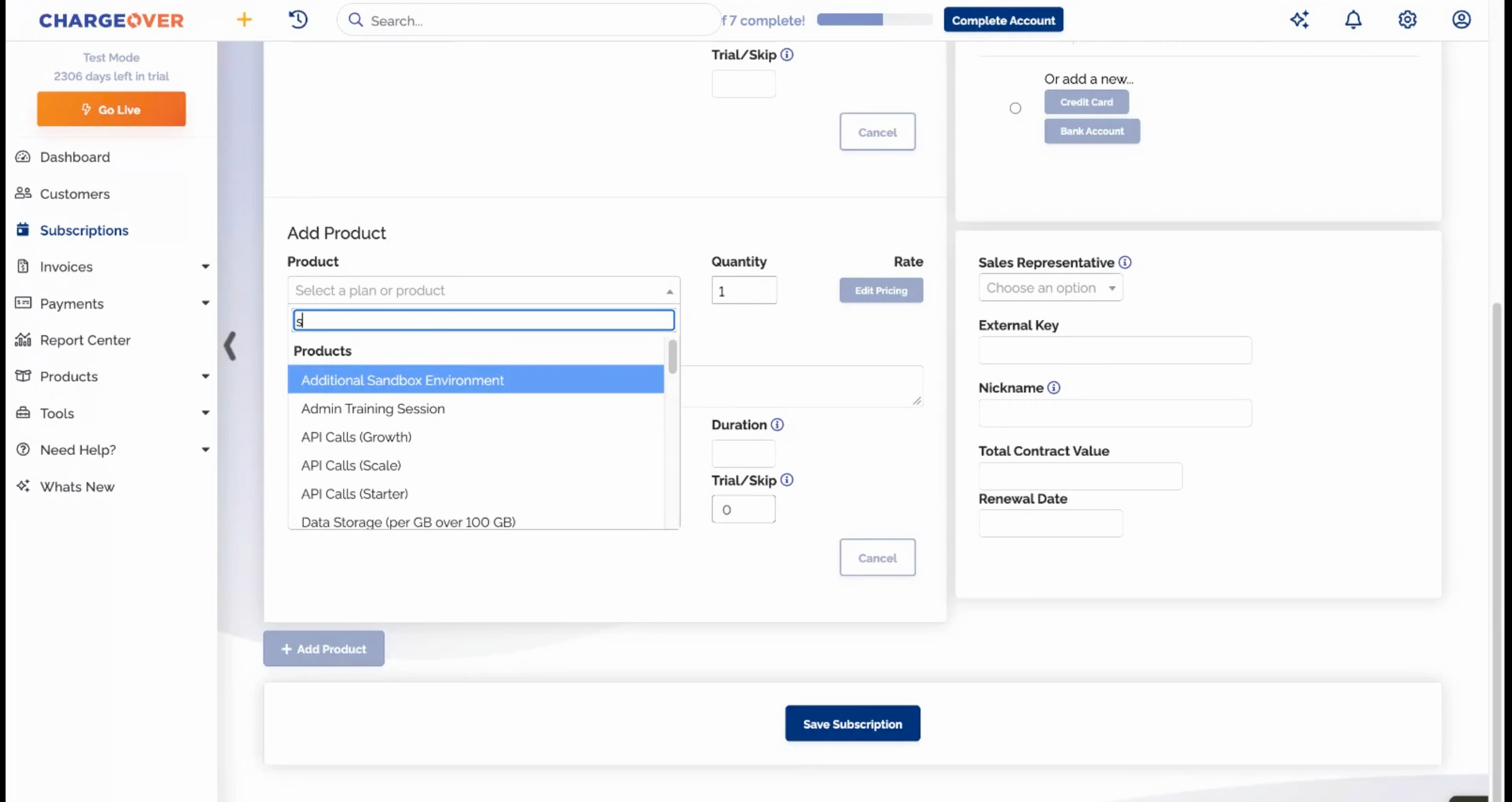
Handle Complex Invoices
A platform fee, per-seat pricing, and metered usage billed together on one subscription. Three pricing models, one itemized invoice, no spreadsheets.
Try it Out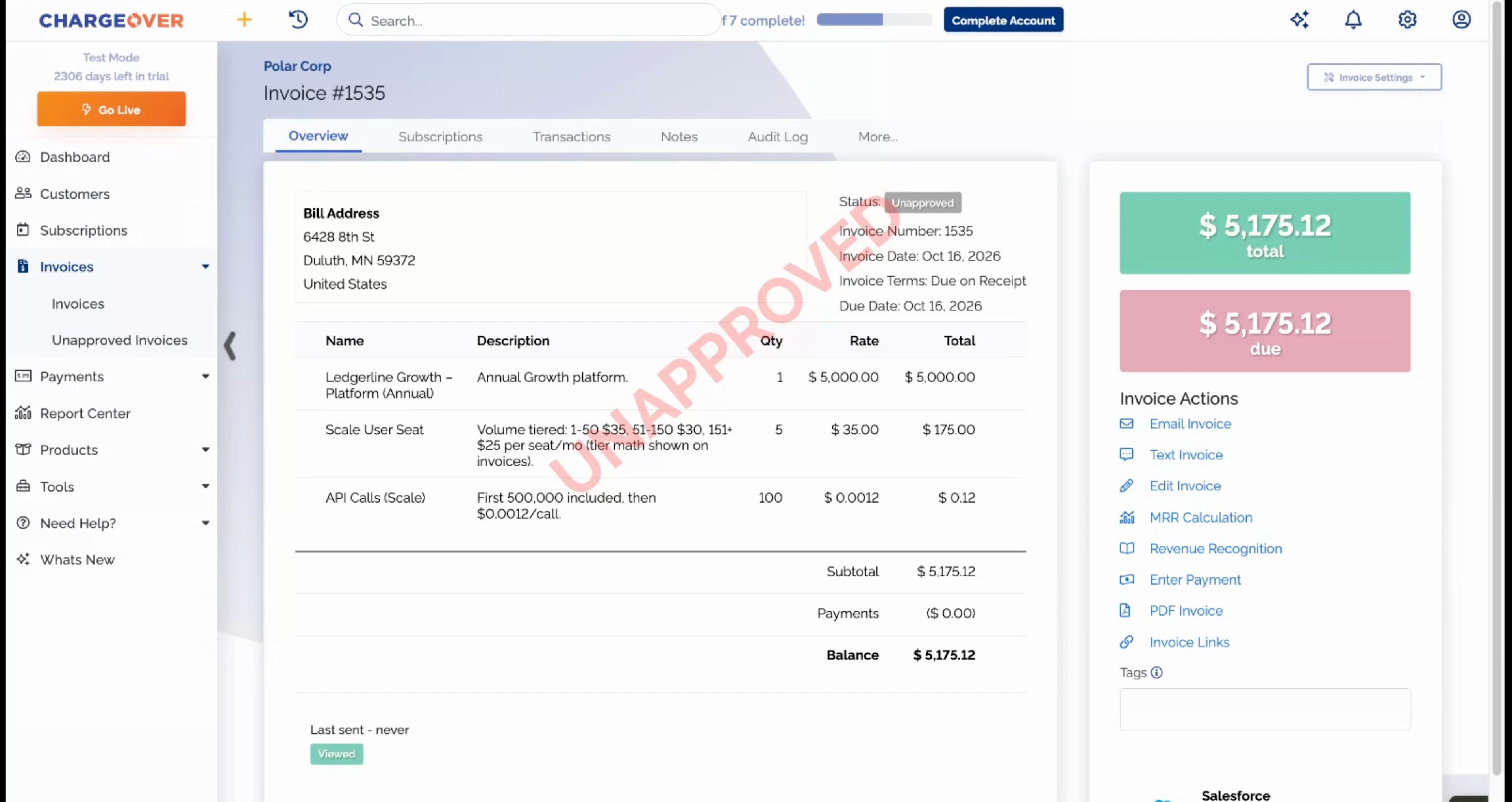
Bill on Usage Automatically
Usage has to be counted before you can invoice it. Watch usage flow in from your app and the invoice recalculate against your tiers on its own.
Try it Out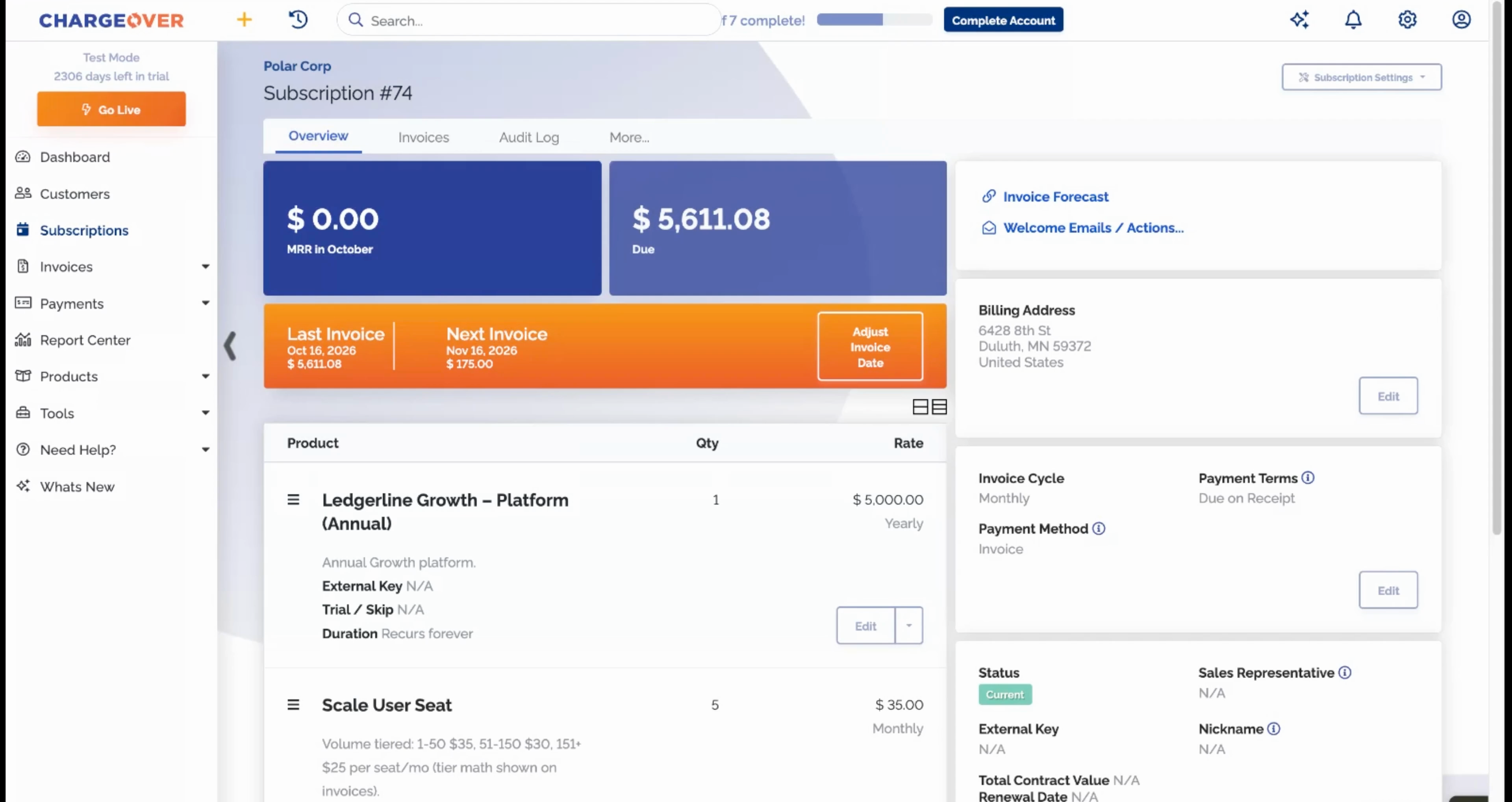
Handle Mid-cycle Upgrades
A customer adds seats halfway through the month. Pick the product, change the quantity, choose how to prorate, and the math is written on the invoice.
Try it Out
Set Up a Customer Portal
Every "can you resend that invoice?" email is a sign customers need their own place to look. Give them balances, invoices, payment history, and self-serve card updates.
Try it Out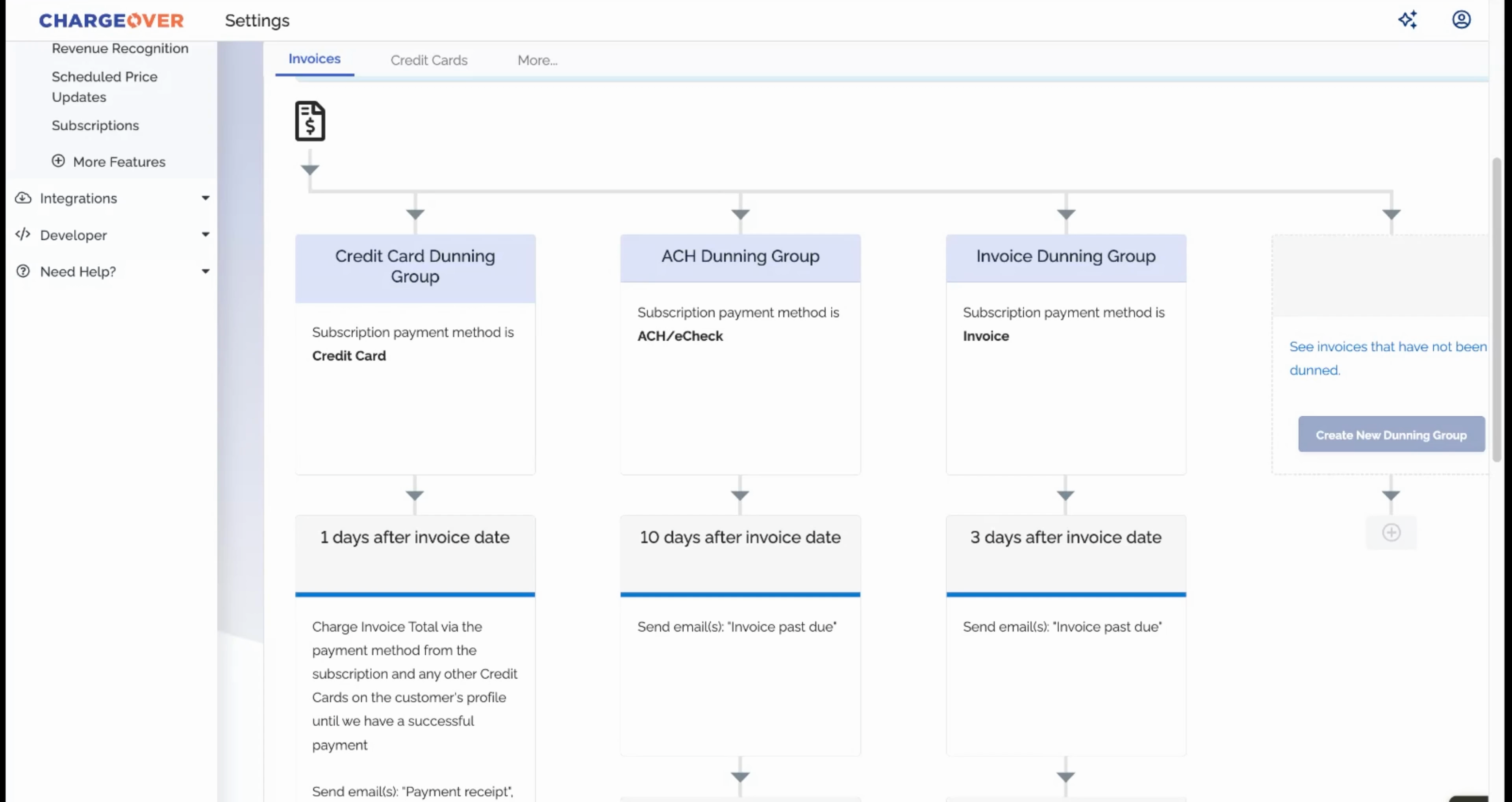
Set Up Dunning & Reminders
Cards expire and payments fail. Build separate collection tracks for card, ACH, and invoice customers with retries, reminders, and suspensions on your schedule.
Try it Out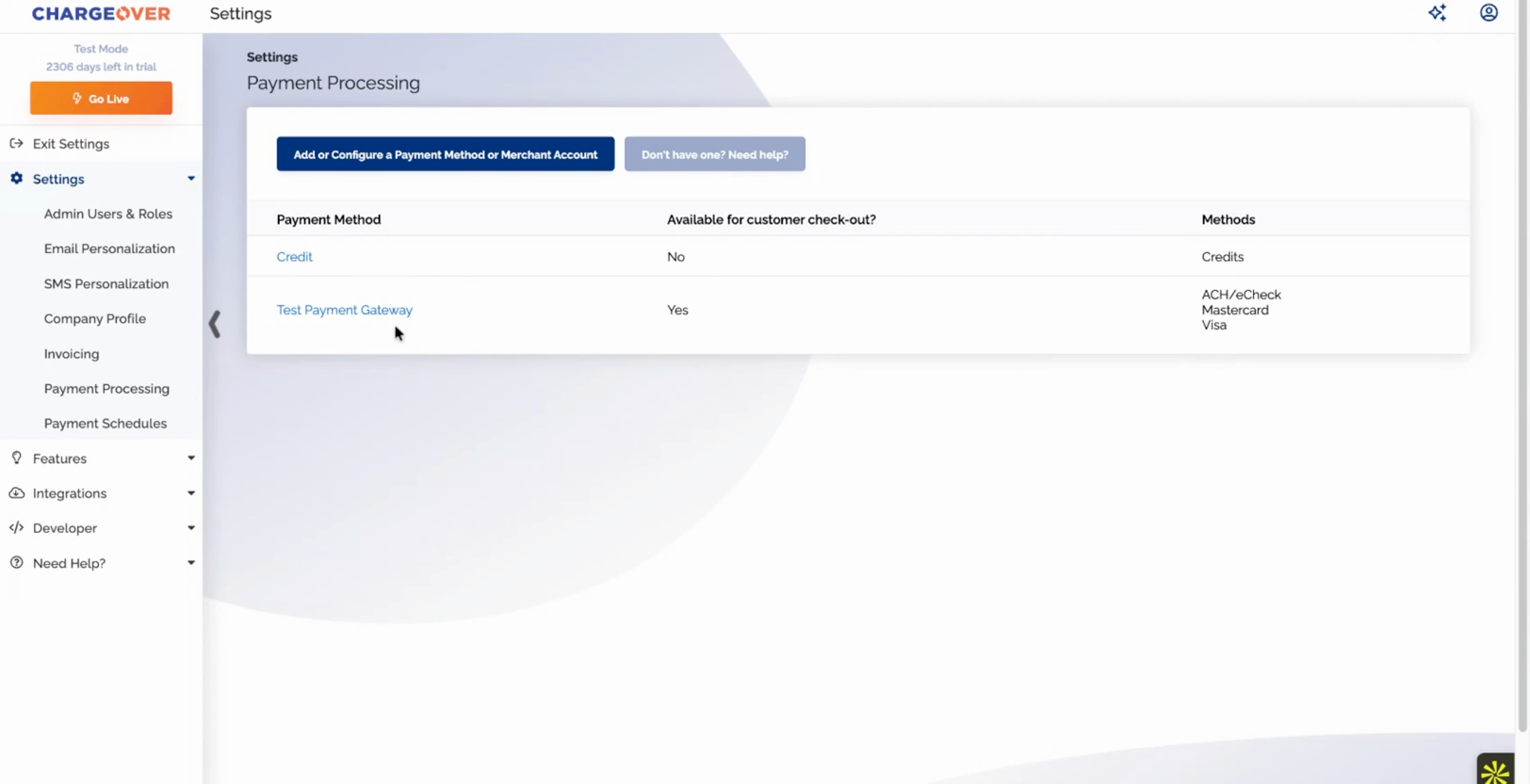
Configure Multiple Payment Processors
Switching billing tools shouldn't mean switching payment processors. Connect Stripe, Authorize.net, Adyen, BlueSnap, and more with the credentials you already have.
Try it Out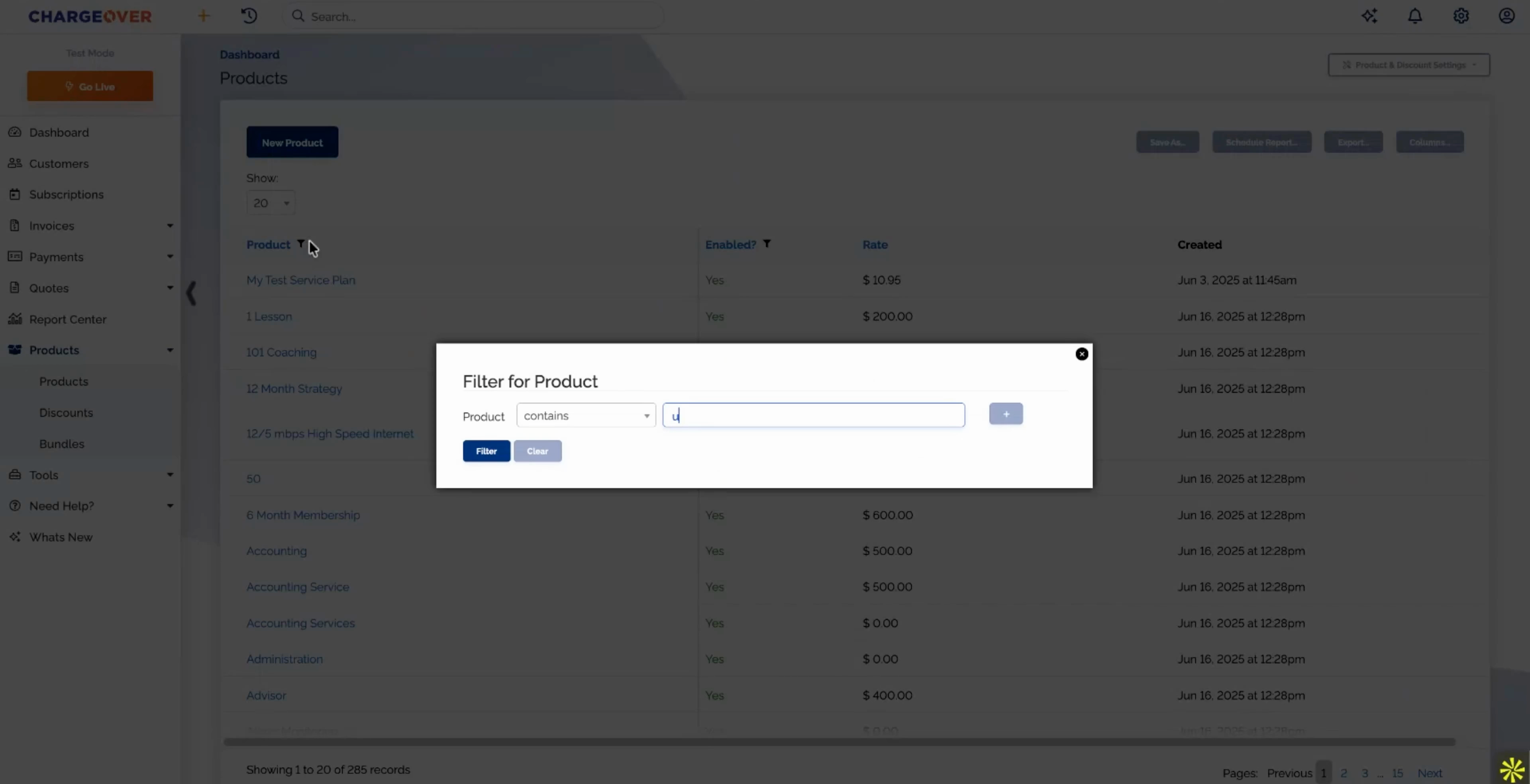
Make Bulk Price Updates
Repricing a product used to mean editing subscriptions one at a time. Find the product, preview which subscriptions will change, and update them all with one confirm.
Try it Out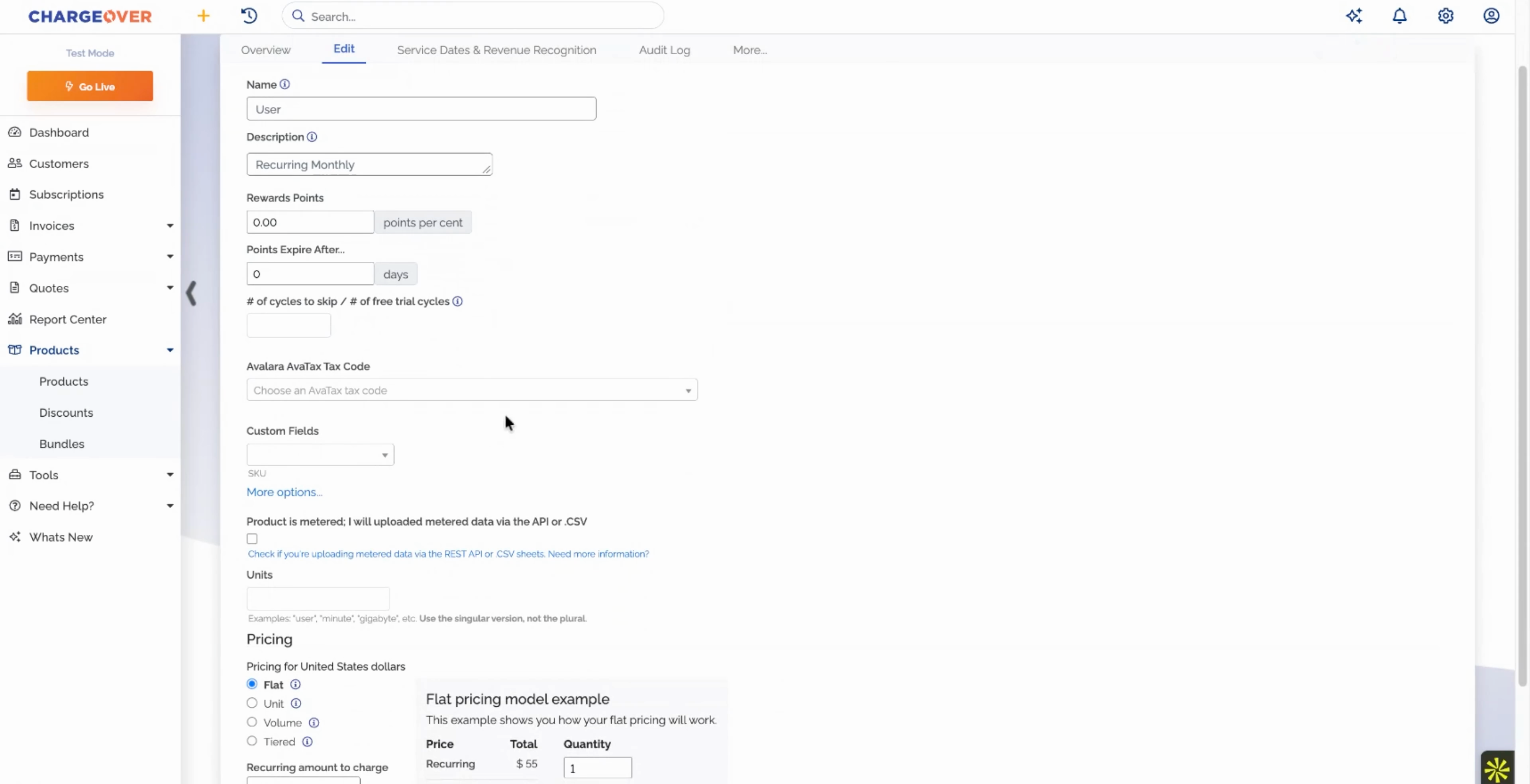
Schedule Price Increases
Most companies raise prices less often than they should because it's a project. Set an increase once, by percent or fixed amount, and let it apply on the date.
Try it Out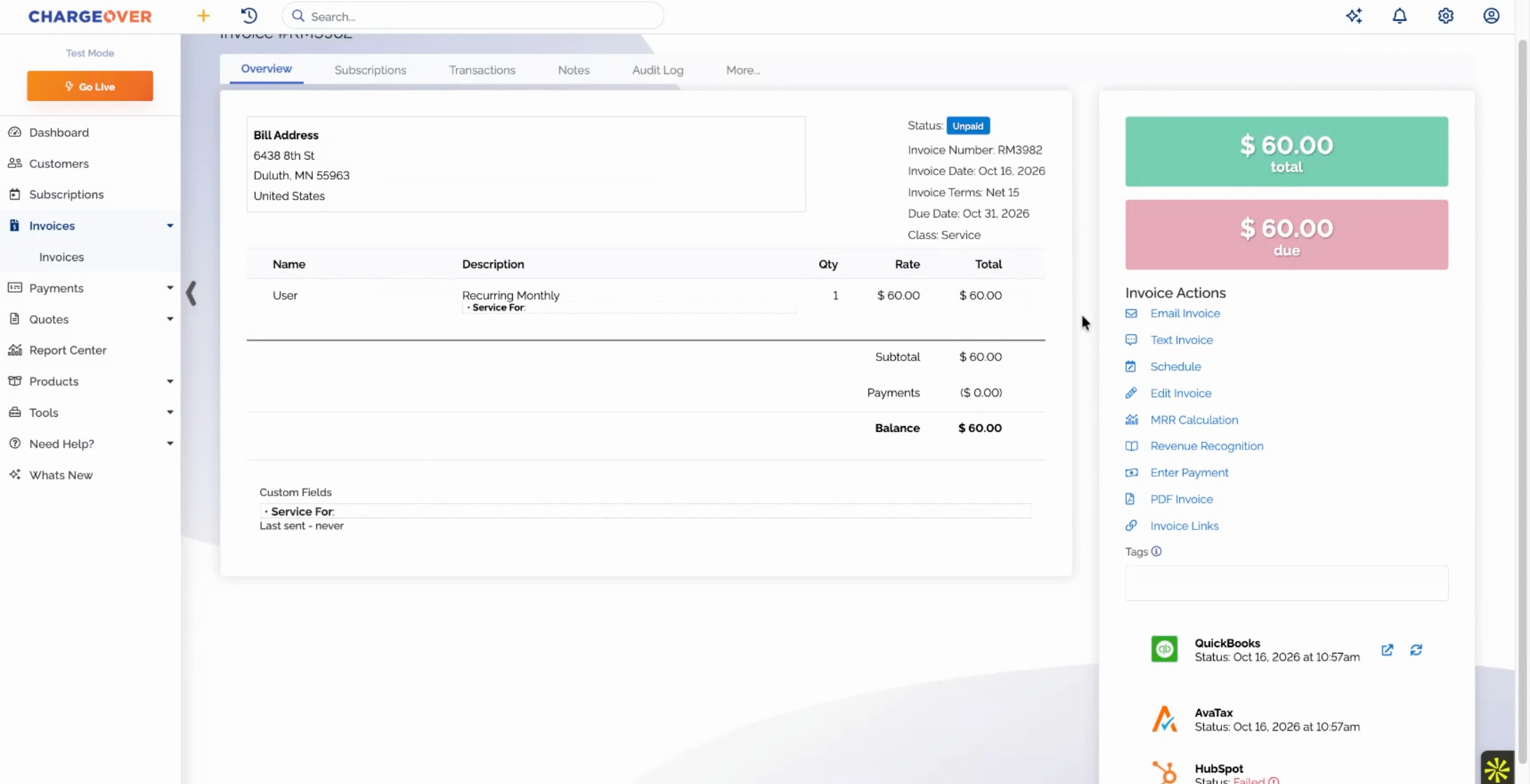
Sync to Your Accounting Platform
If billing and accounting don't match, month-end turns into detective work. Every invoice and customer syncs to QuickBooks on its own, with sync status on every record.
Try it Out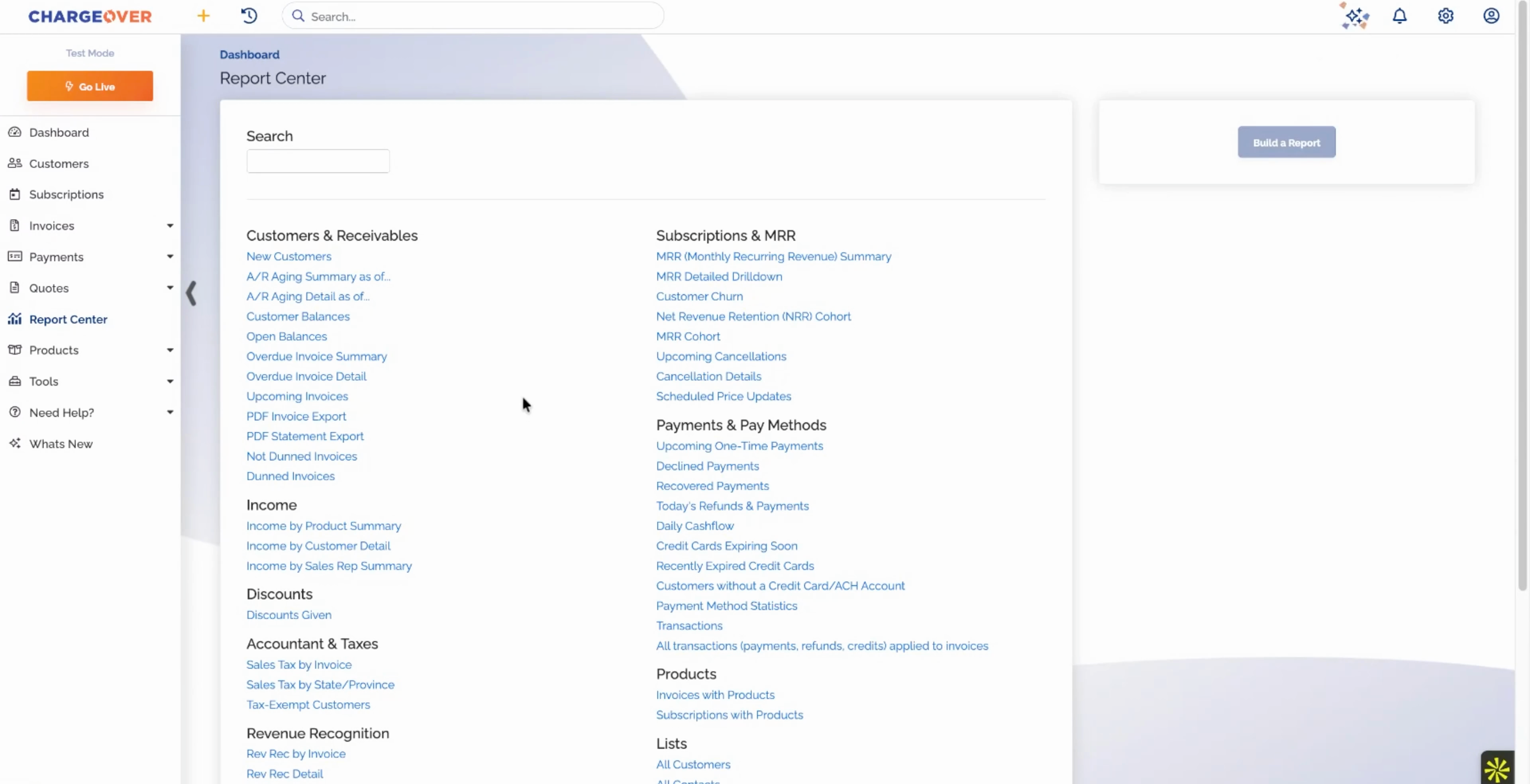
View the Reports Your Accountant Asks For
What's overdue, what's earned, what's deferred, and why MRR moved. Dozens of built-in reports you can save, filter, and schedule by email.
Try it OutWhat people are saying about us

Unlock Business Growth with Recurring Billing
Discover how ChargeOver’s automated recurring billing helps you streamline payments, reduce manual tasks, and boost cash flow. Let us take the complexity out of billing so you can focus on scaling your business.